 ES-DE Overlay
An in-game menu for ES-DE on Android. Press the controller’s Back button during a game you launched from ES-DE, and a menu opens over the game. It’s laid out like a gamelist and drawn in the colours and font of your ES-DE theme.
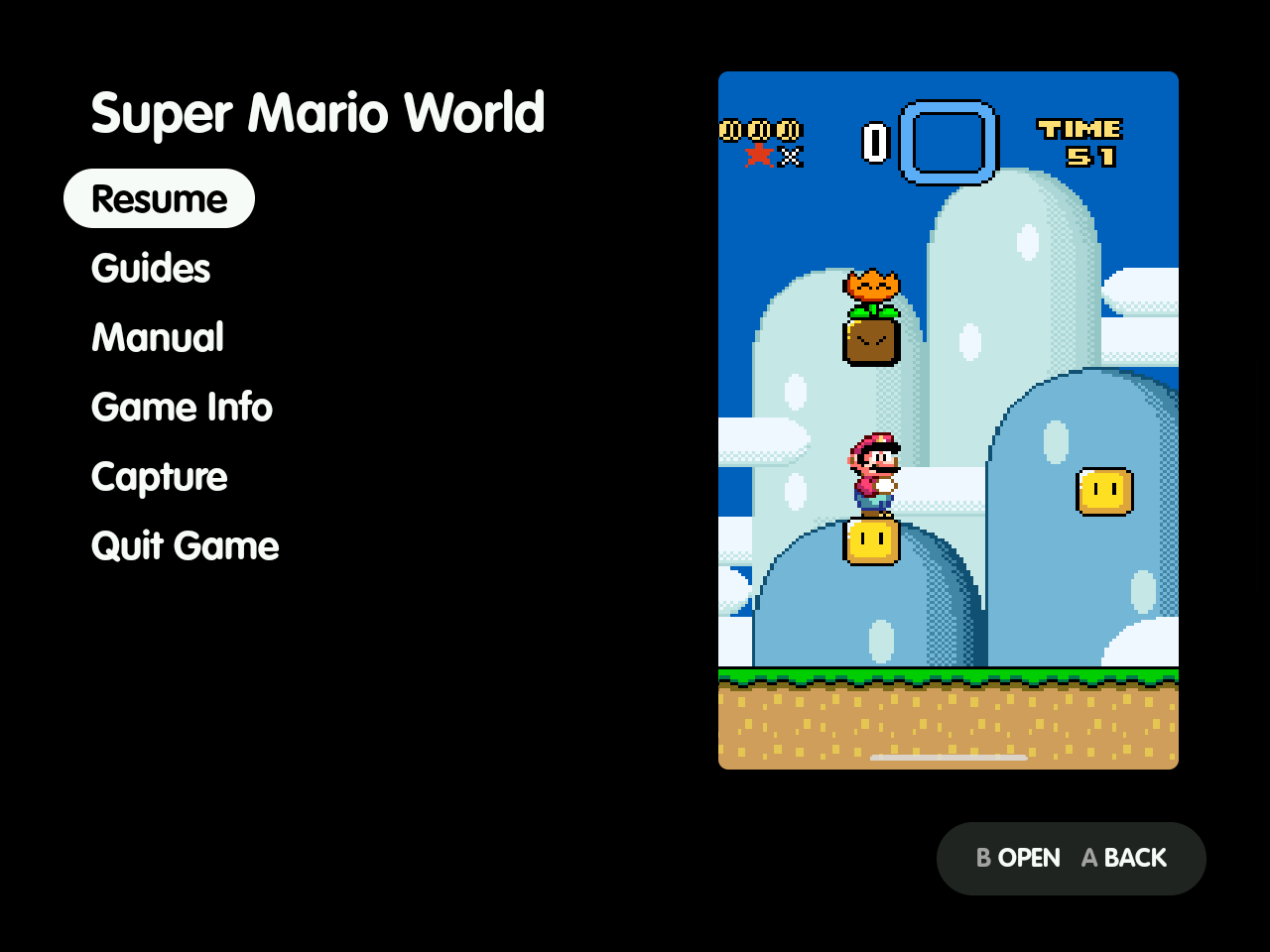
What it does
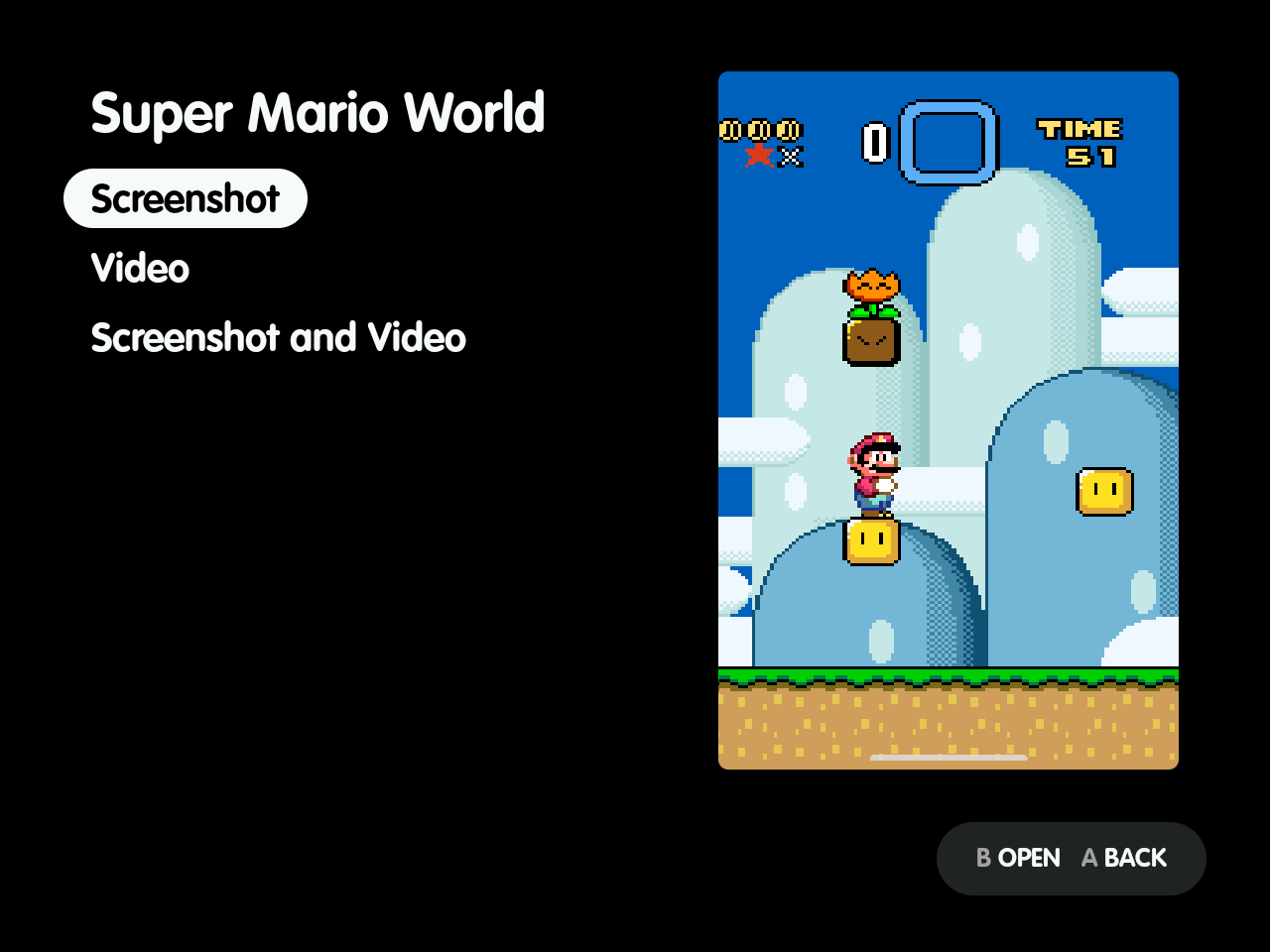
Captures straight into ES-DE. Save a screenshot, a clip or both. They go into ES-DE’s media folders under the names ES-DE expects, so they show in the gamelist with no renaming. Screenshots you take with Power + Volume down during a game are filed the same way.
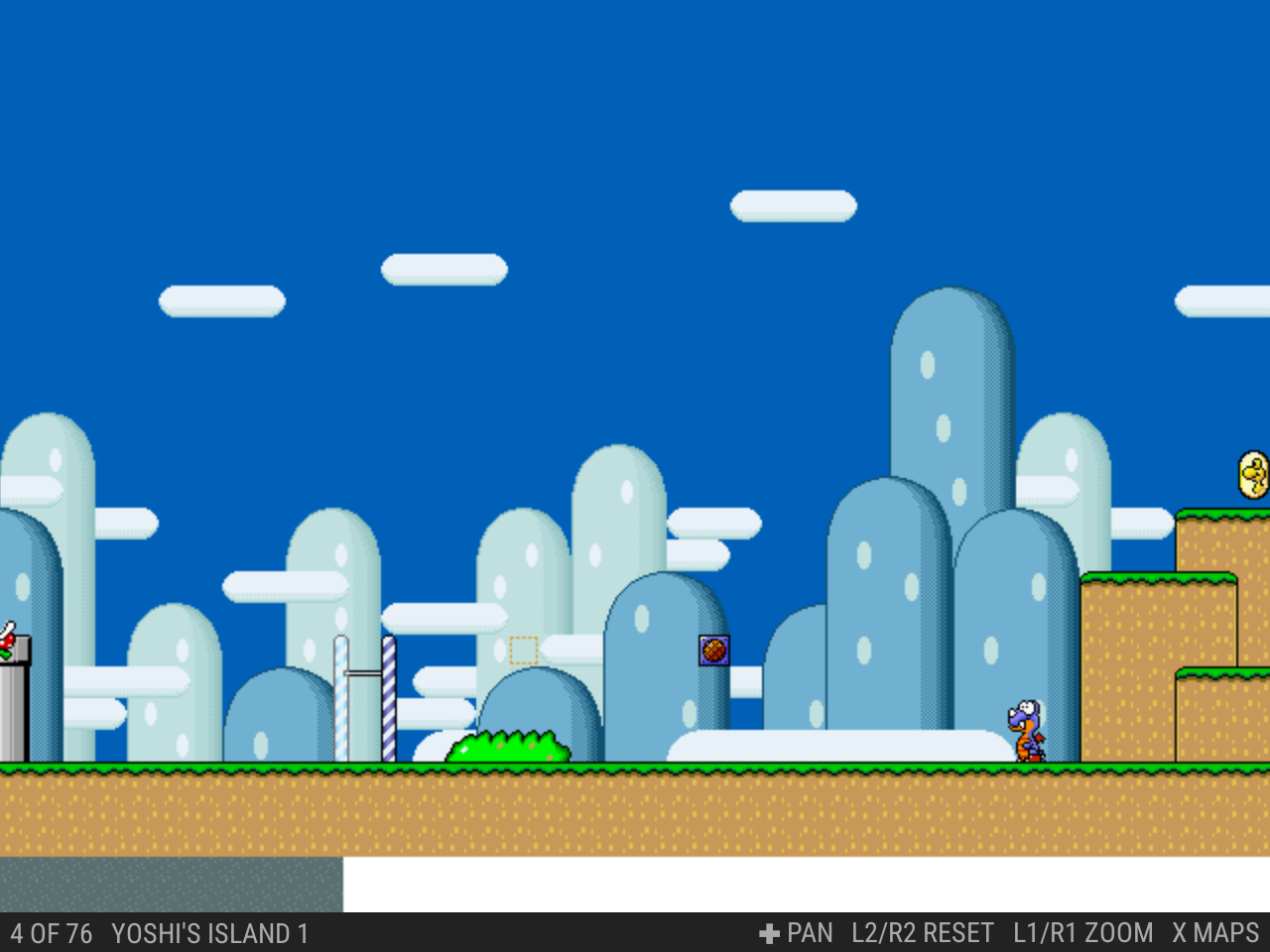
Manuals and guides in the game. Read the game’s scraped manual, or guides you add next to ES-DE’s media: PDF, text, images, CBZ map packs and saved web pages. Find Guides gets maps from VGMaps and walkthroughs from StrategyWiki. It can also open GameFAQs, Neoseeker and ZeldaDungeon in a browser over the game and save a guide for reading offline. The viewer works like ES-DE’s own manual viewer.
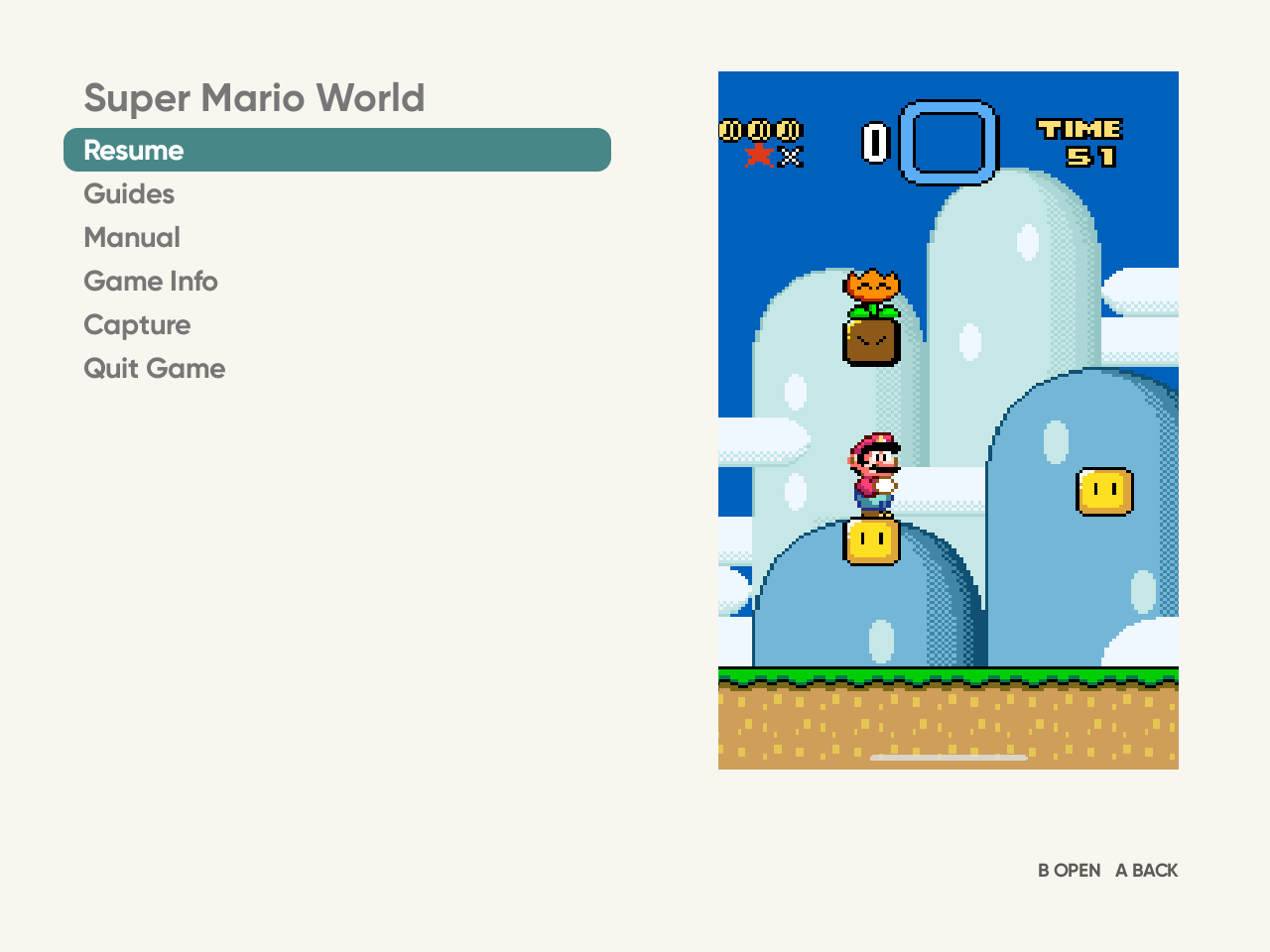
Your theme’s look. The menu, the guide viewer and the browser take their colours and font from the ES-DE theme you use. Change the theme in ES-DE and the overlay follows.
It also shows the game’s ES-DE info and can quit the game. See Use for every feature and Theme for how the look works.
It follows your theme
Each one is the overlay reading the theme’s own files. Theme shows them beside ES-DE’s gamelist.


What you need
- Android 13 or newer.
- ES-DE for Android, set up with your games. The overlay was developed with ES-DE 3.5.0.
- A controller with a Back button.
The app was developed and tested on a Retroid Pocket Nova. Some behaviour depends on the device’s firmware; Known limitations says which.
Get it
- From GitHub Releases: download
es-de-overlay-<version>.apkfrom the latest release and open it on the device. - With Obtainium: add the app by its repository URL,
https://github.com/clintonium-119/es-de-overlay. Obtainium then installs new releases as they come out.
Then follow Set up. You can also build it yourself.
Tested on
| Device | Android | ES-DE | Result |
|---|---|---|---|
| Retroid Pocket Nova | 13 | 3.5.0 | Every feature, with RetroArch and Eden games. |
Tried it on another device? Open an issue with the device, its Android and ES-DE versions, and what worked and what didn’t. That way this table can grow.
Safety
ES-DE Overlay is written with an AI coding assistant and reviewed by its author. It comes with no warranty; use it at your own risk. Privacy and safety lists what it can access and when it goes online.